 TV Remote user guide
Mirror your phone screen to the TV
Tap “Mirror” on the remote. The app picks the method that fits your TV, and you can switch to another one if it does not work.
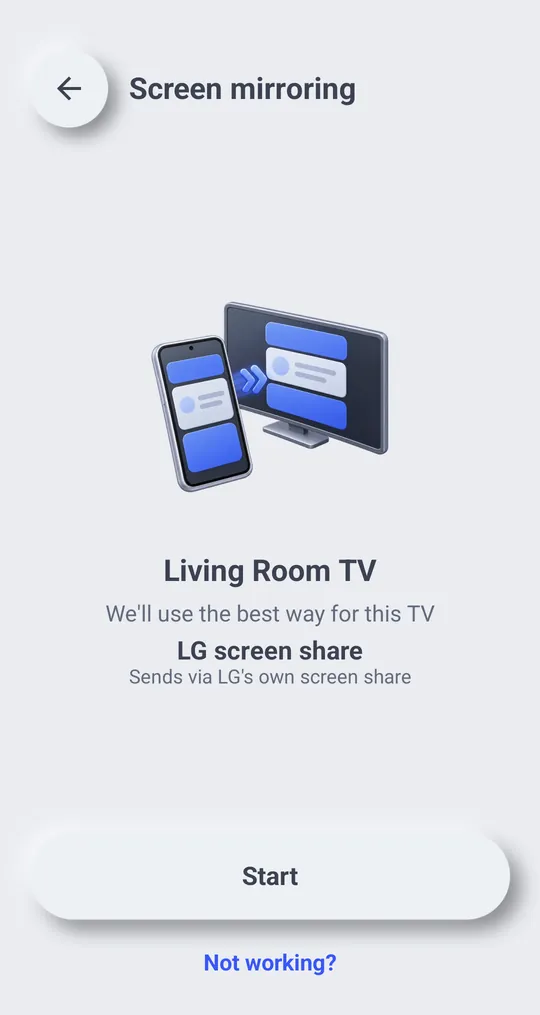
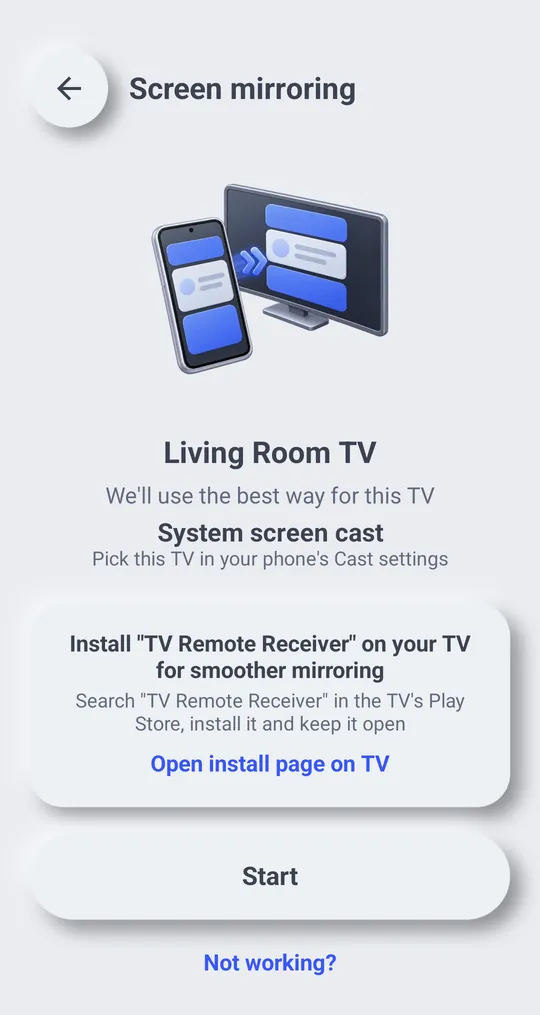
Start and stop
- Connect to your TV first.
- Tap “Mirror” on the remote, then “Start”.
- Android asks to allow screen capture. Allow it. If you share only one app and then leave it, the picture stops: You left the shared app, so the TV picture stopped. Start again and choose the entire screen
- To stop, tap “End”.
Methods
- “LG screen share”: Sends via LG\'s own screen share
- “System screen cast”: Pick this TV in your phone\'s Cast settings
- “TV receiver app”: Sends to the receiver app open on your TV
- “TV browser video”: Plays in your TV\'s web browser, with sound
- “TV browser screen”: Screen only in your TV\'s web browser (no sound)
- “TV browser (live)”: Enter the code in your TV browser for live view (with sound)
- “Photo slides”: Sends photos one by one instead of the screen
Each TV supports different methods, so the app tries the one that fits your TV first. The TV browser is used only when nothing else works.
If it does not work
- Tap “Not working?” to switch to another method.
- Couldn’t connect to the TV browser. Check that the phone and TV are on the same Wi‑Fi and that the router’s device isolation (AP isolation) is off. If it still fails, try a different method
- “Enter the 6-digit number shown on the TV”: type the 6-digit number shown in the TV browser. Too many wrong codes, so joining is paused. Try again in 10 minutes
- Another phone is already connected to this TV
- The receiver app on the TV was closed, so mirroring stopped
Privacy
For TV browser mirroring, only the connection details that link your phone and TV go through a server. Screen and sound go straight from the phone to the TV.
Manufacturer guides
TV menu names differ by model, software version and language.