 TV Remote user guide
IPTV
Add your own IPTV playlist and the channels are sorted into groups. Watch on the phone or send a channel to the TV. The app does not provide playlists.
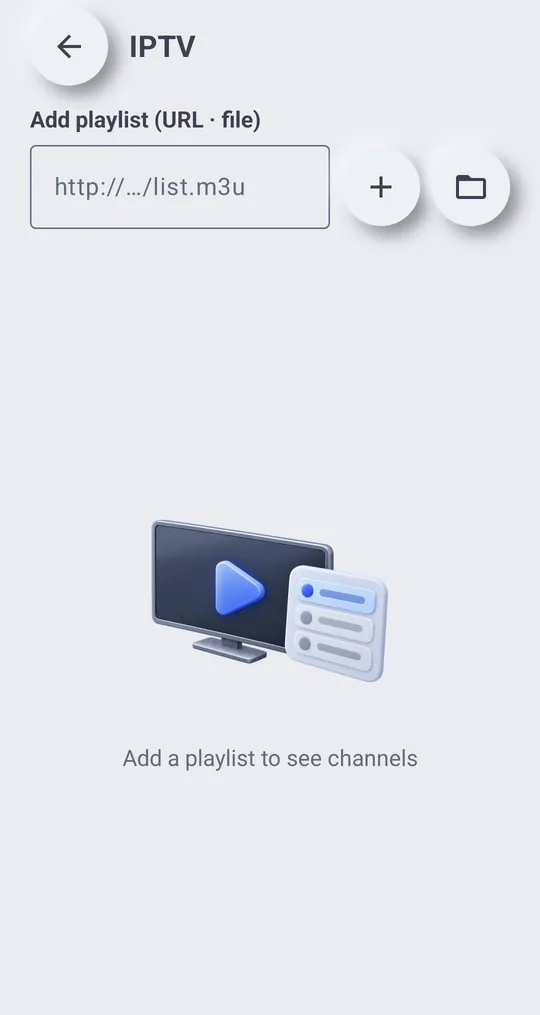
Add a playlist
- Tap “IPTV” on the remote.
- Under “Add playlist (URL · file)”, enter the M3U link, or pick an M3U file on the phone.
- Channels appear, sorted into the groups in the playlist.
Watch
- “Play on phone”: plays the channel on the phone.
- “Play on TV”: sends the channel to the connected TV.
Messages
- Couldn\'t read the playlist. Check the address or file
- Couldn\'t play this channel. It may be offline or in a format this phone can\'t play
Use only playlists you have the right to watch.